

Appearance
Explore the workspace
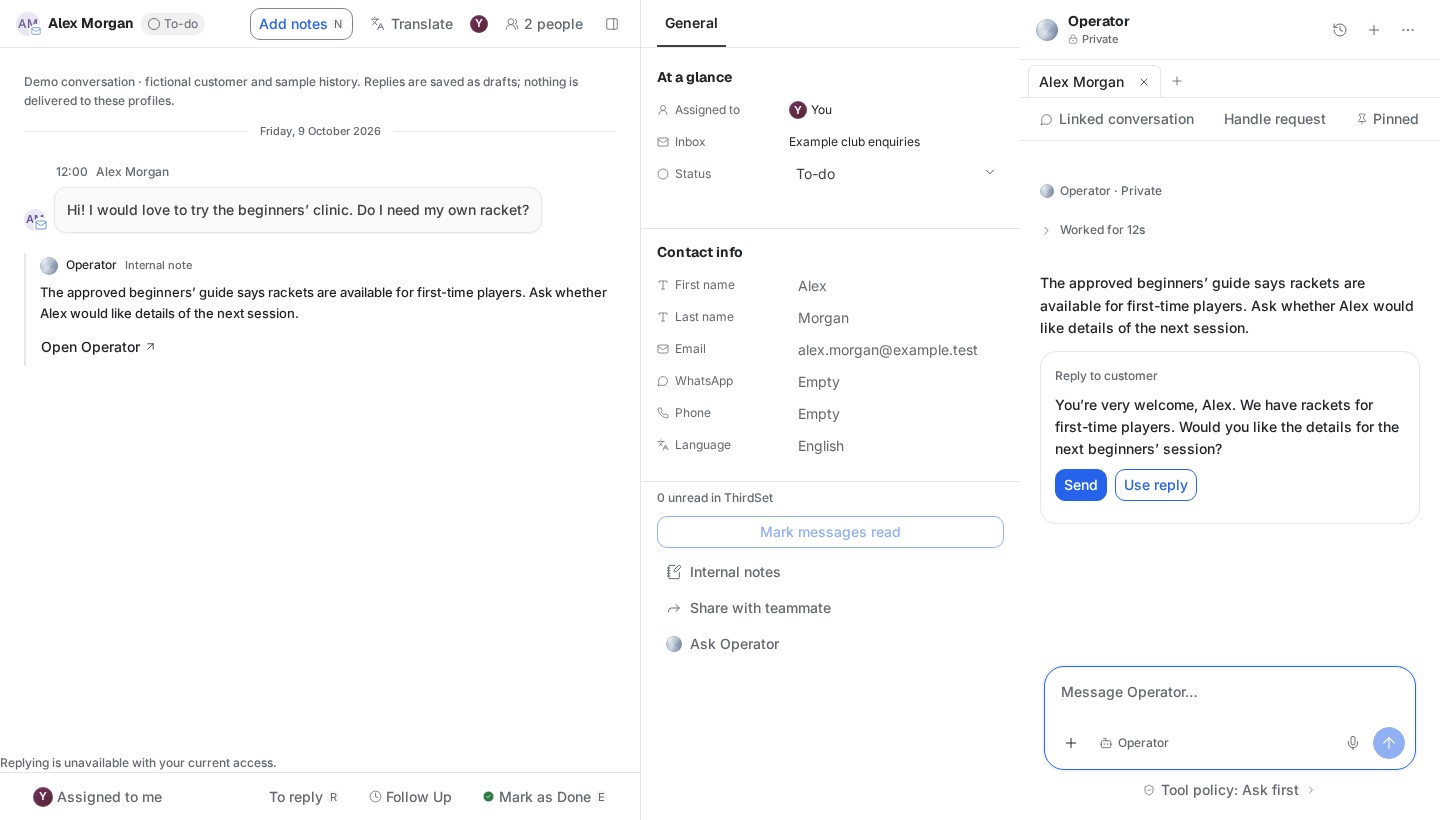
ThirdSet brings four everyday areas together: Inbox, People, Operator and Marketing. Use the navigation rail to move between them; the right-hand Operator keeps the current context close.
| Area | What you use it for | Guide |
|---|---|---|
| Inbox | Read enquiries, prepare replies and hand work to a teammate | Inbox |
| CRM → People | Find contacts, player relationships, memberships and audiences | People |
| Operator | Ask questions, use approved sources and prepare reviewed actions | Operator |
| Marketing | Prepare campaigns, content, events and audiences | Marketing |
| Home | Find your overview and available attention items | Your first day |
| Agents and Knowledge | Configure assistance and maintain approved club information | Agents and knowledge |
| Connections and Settings | Connect channels and manage workspace access | Connections · Team access |
Understand access
Can view / Can edit controls changes to permitted records. Area permissions determine which available areas you can use. Administrator enables workspace and member administration. These are independent controls.
Private records can remain private even when two people have the same area permissions. Administrator access does not make another person's mailbox or private conversation shared.
Keep your context
Ordinary navigation keeps the workspace shell and Operator available. Unsaved editors may ask you to keep or discard a draft; review that choice before leaving. Help opens the handbook separately so the workspace stays open.
Records can refresh in the background. This does not establish that an external source was imported again. If a refresh fails, use the visible Retry action; removed access clears previously visible protected data.
Following an older link
Work, Finance, Operations and the booking calendar are outside the core release. An old link may show an unavailable page. Return to a supported area; changing a member's permissions will not reopen a deferred module. See availability and limits.